

Customize User Profile
Configure profile picture, name, language, 2FA and date synchronization
My Profile allows every registered user to customize their profile picture, first and last name, communication language, e-mail address and date synchronization settings, as well as set up two-factor authentication and change their password.
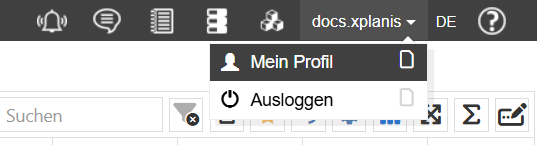
Open My Profile
Click on your username in the upper right corner of the main menu and select My Profile.
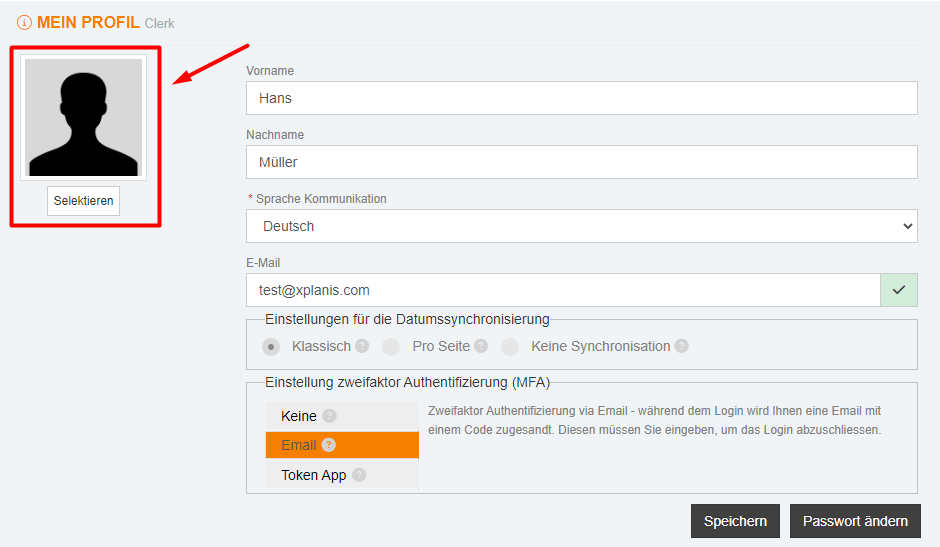
Upload Profile Picture
Click Select and upload a photo in one of the following formats: JPEG, JPG, GIF or PNG.
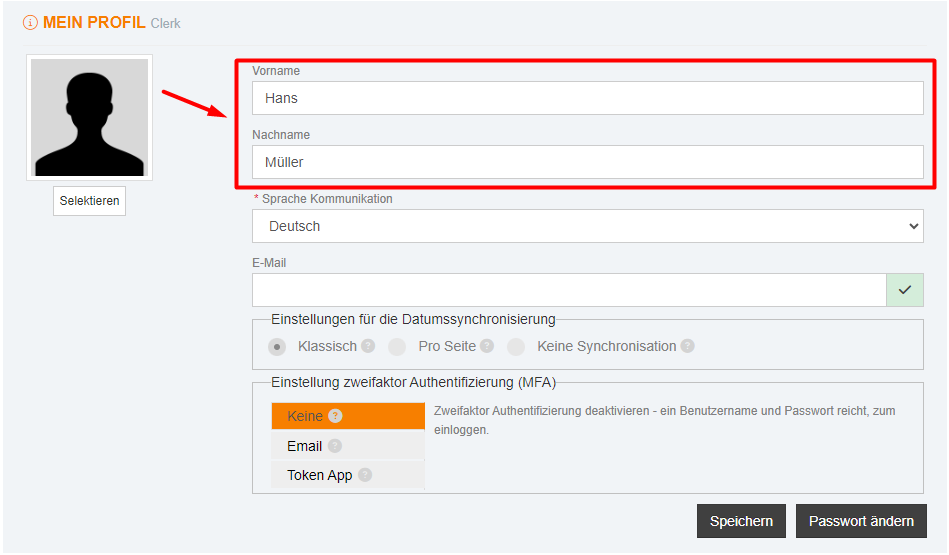
Enter Name
Enter the user's first and last name (1–20 characters).
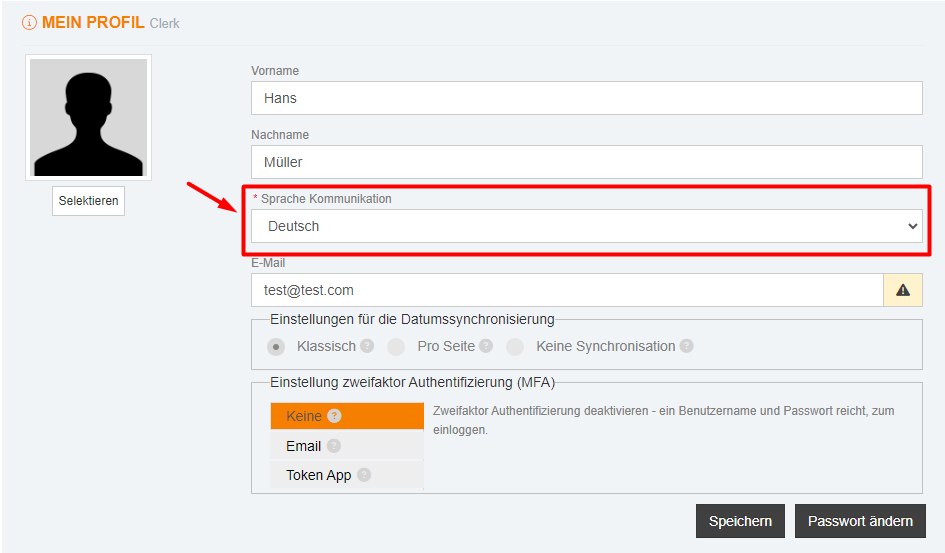
Choose Communication Language
Select your preferred communication language: German, English, French, Italian or Spanish.
Enter E-Mail Address
Enter a valid e-mail address. Format: user@domain.com. Follow the confirmation link in the e-mail to verify.
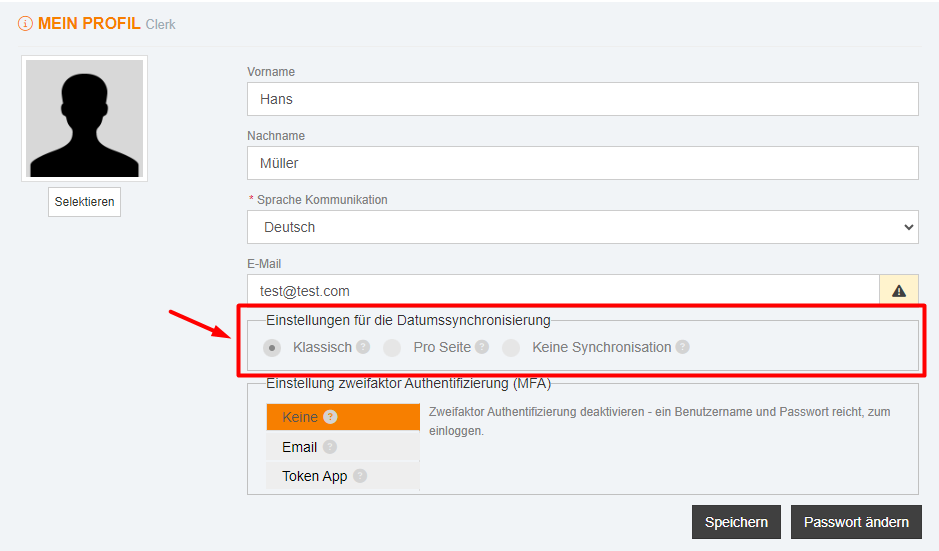
Set Date Synchronization
Select the desired behavior for date synchronization between pages:
| Option | Behavior |
|---|---|
| Classic synchronization | The date is synchronized across all pages (default). |
| Synchronization per page | Each page saves the last selected date. |
| No synchronization | Each page always shows the current date ("Today"). |
Configure 2FA
Select one of the two authentication methods or disable 2FA. Details can be found in the article Two-Factor Authentication (2FA).
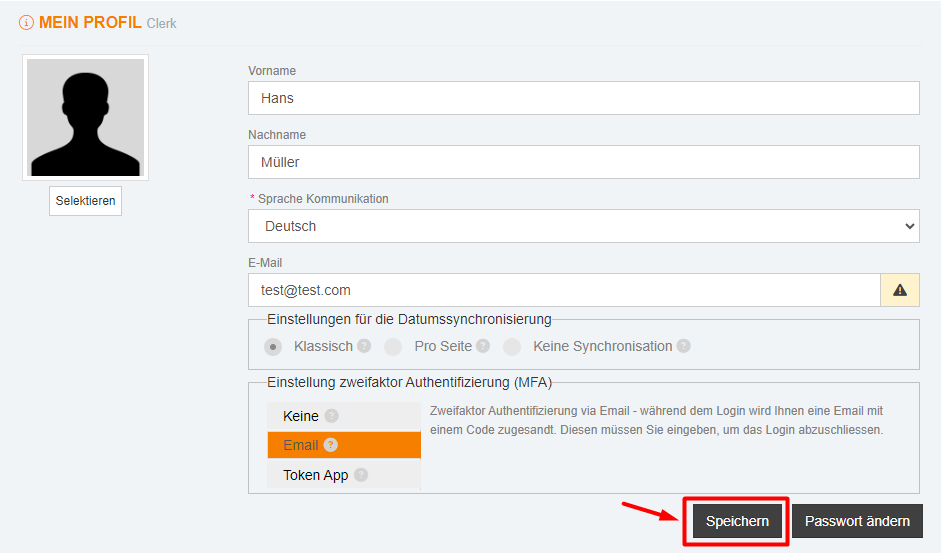
Finally, click Save.