

First Login
Guide for the initial login to X4Fleet
The first login is the initial access to the X4Fleet system after a user account has been created by the administrator.
Users must receive their username and password from the administrator.
Steps for the First Login
Step 1 – Go to the website https://www.x4fleet.com/
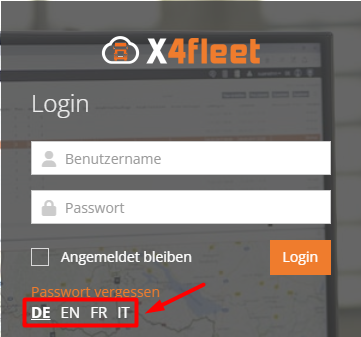
Step 2 – Select the preferred language from four available options (German, English, French, Italian).
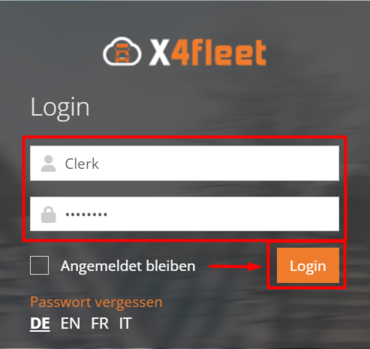
Step 3 – Enter your username and password and press the "Login" button.
Step 4 – For security reasons, a one-time password change is required on the first login. Fill in the fields with the previously provided password and the new password, and press the "Save" button.
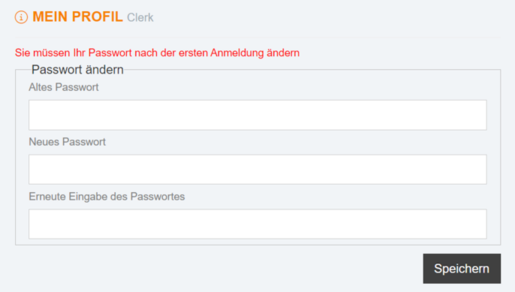
The user will then be logged into the system with the newly created password. For all subsequent logins, changing the password is not required.